Share account access with your team.
Share account access with your team.
Need a second pair of eyes on your business finances? Give trusted people secure, view-only access to your account.
What is Team Access?
Team Access lets you securely share access to your Starling business or sole trader account with people who work with you. You can invite up to five users and it’s all managed from your Starling app. If you use Invoicing or Starling Accounting in Online Banking, Team Access users can view this data.
At the moment, Team Access is view-only – so users can look, but not touch. More permissions are coming soon, so watch this space.
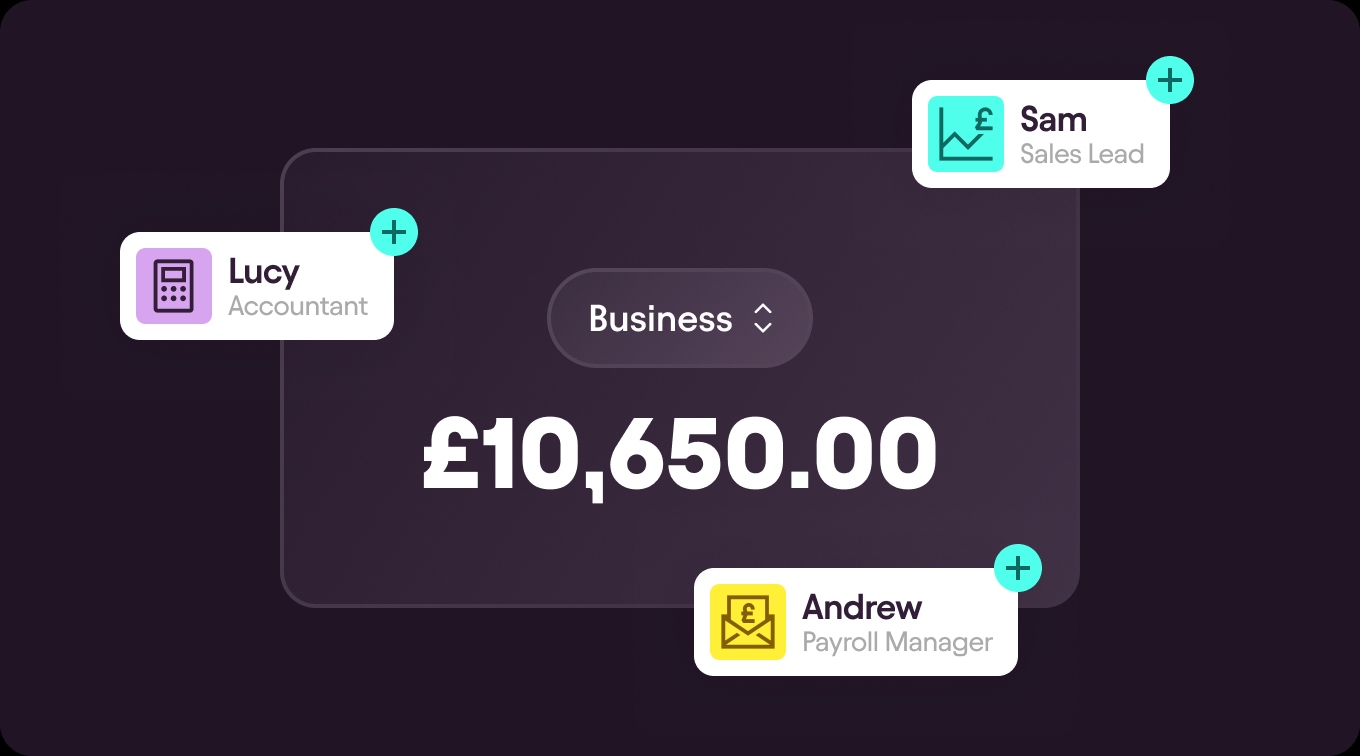
Smooth, secure, simple.
Spend less time on admin.
Whether you’re working with an accountant, bookkeeper or colleague, skip the back-and-forth and give them visibility with Team Access.
Keep control.
You decide who has access, and can remove it if needed. Team Access users can view account information, view or download invoice PDFs, and view Accounting data.
Stay secure.
Your team will access your account using their own Starling profile and device, so there’s no need to share passwords.
Who can I invite?
You can invite people who need access to your account as part of their role. These might include, but aren’t limited to:
Accountants
Bookkeepers
Finance managers
Finance assistants
Team Access users must be 18 or older, and live in the UK. You can’t use Team Access to add directors or limited partners of your business to your account. If you need to add a director, follow the steps in this FAQ.
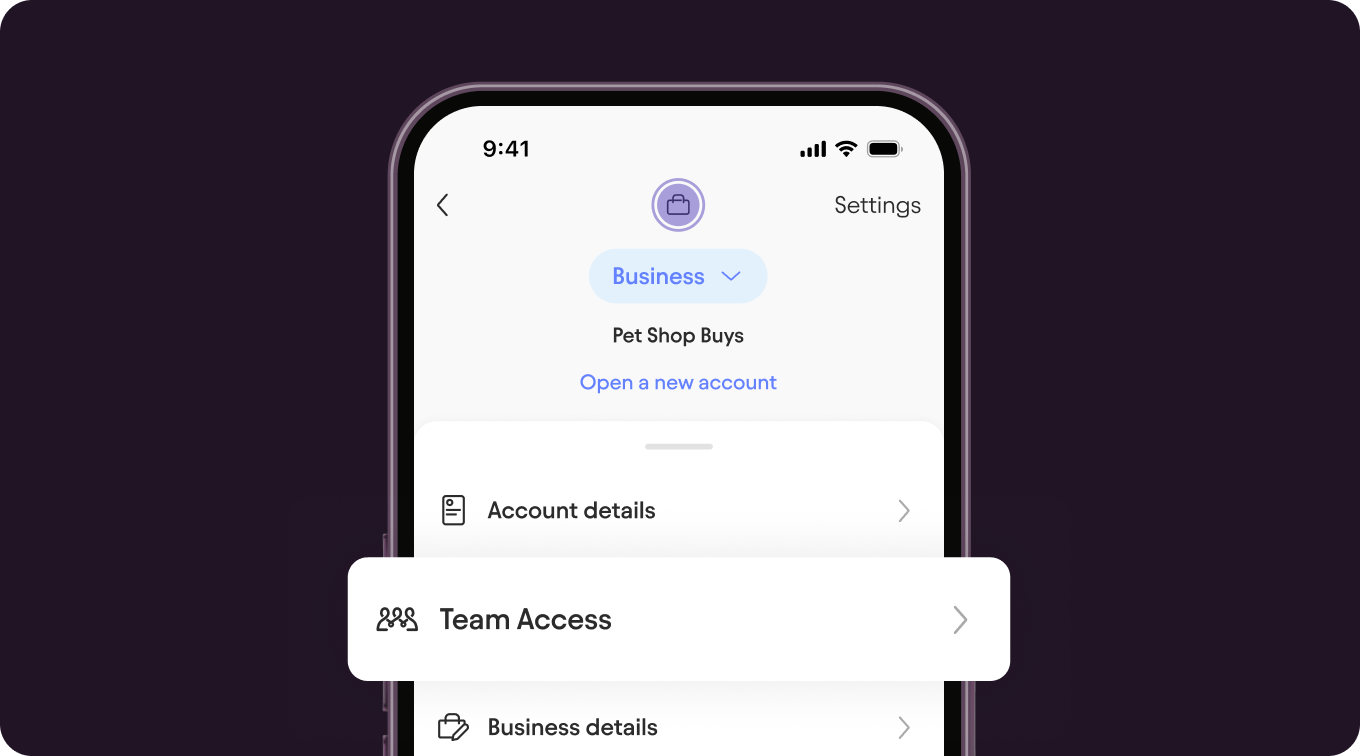
How it works.
Head to your account menu in the top-right corner of the Starling app, then select ‘Team Access’.
Tap ‘Invite’, select their business role, enter the trusted person’s email address, then review the details and send the invitation.
We’ll email them with instructions on how to get started. Once we’ve completed our checks, we’ll let you know so you can approve their access.
An important reminder.
Only give access to people you know and trust. You’ll be responsible for how Team Access users interact with your account and any information they can view.
We’ll never contact you and ask for access to your account. If you’ve been pressured to invite someone, stop and call us on 159.
Still have questions about Team Access? Head to our FAQs.

Apply for your business account now.
No monthly fees, industry-leading security features, 24/7 support.