Delegate spending with free expense cards
Delegate spending with free expense cards
Order up to five free expense cards for your business, and let an employee or other trusted person spend on your behalf. They’ll be able to spend in-person and online.
Top up each card with a tap.
Each expense card is connected to a Space, separate from your account’s main balance. You control how much can be spent by how much you add to the Space, up to a maximum of £5,000 per day.
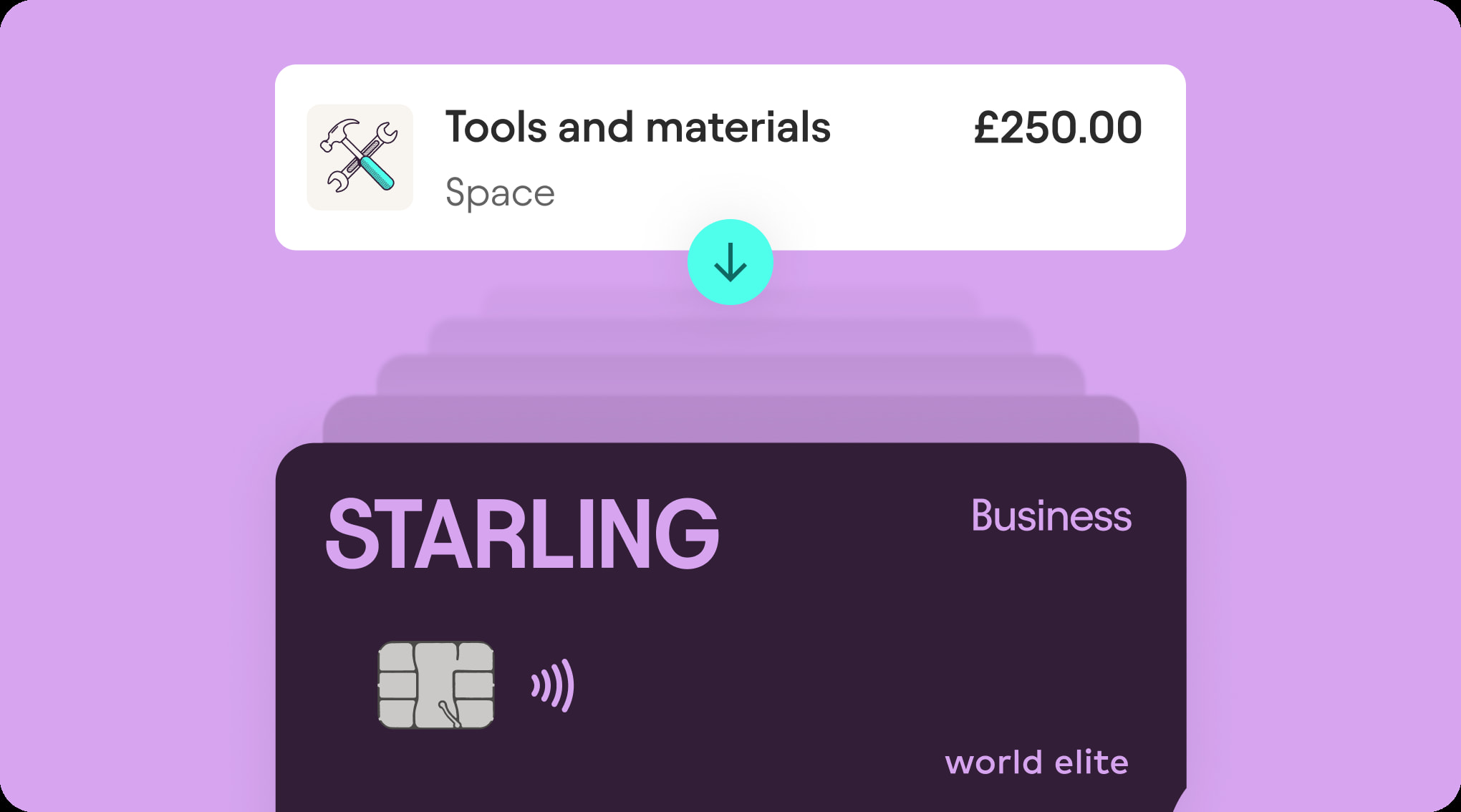
Lose the admin, keep control.
Your account, for your eyes only.
The trusted person can’t see or access your main balance, or any part of your account.
Get instant phone notifications.
We’ll notify you every time the expense card is used so you can keep track.
Stay in control of the card’s spending.
In-app controls allow you to lock and unlock the card, change the PIN or restrict in-person or online spending, all at the tap of a button.
Order in the app, in seconds.
You’ll need a business account with Starling in order to get our expense cards. If you already have one, great – keep reading.
Apply for a business accountThere’s no complex credit check, or even an application form.
Head to the Spaces section of your Starling app, tap Do more with Spaces and choose Expense Card Space. If you can’t see that option, check you’re on your business account and not your personal account.
Follow the on-screen instructions to choose a name for your expense card, as well as a PIN. A physical card will be posted to you as soon as your Space is created.
Transfer money from your main balance to your Expense Card Space. The money in your Space is the money that’s available to spend.
Have a question about expense cards?
See the full list of FAQs on expense cards and read the Additional Conditions.