Do business in more places, with Tap to Pay.
Do business in more places, with Tap to Pay.
Accept contactless payments on your smartphone in a flash.
Terms and full eligibility criteria apply.
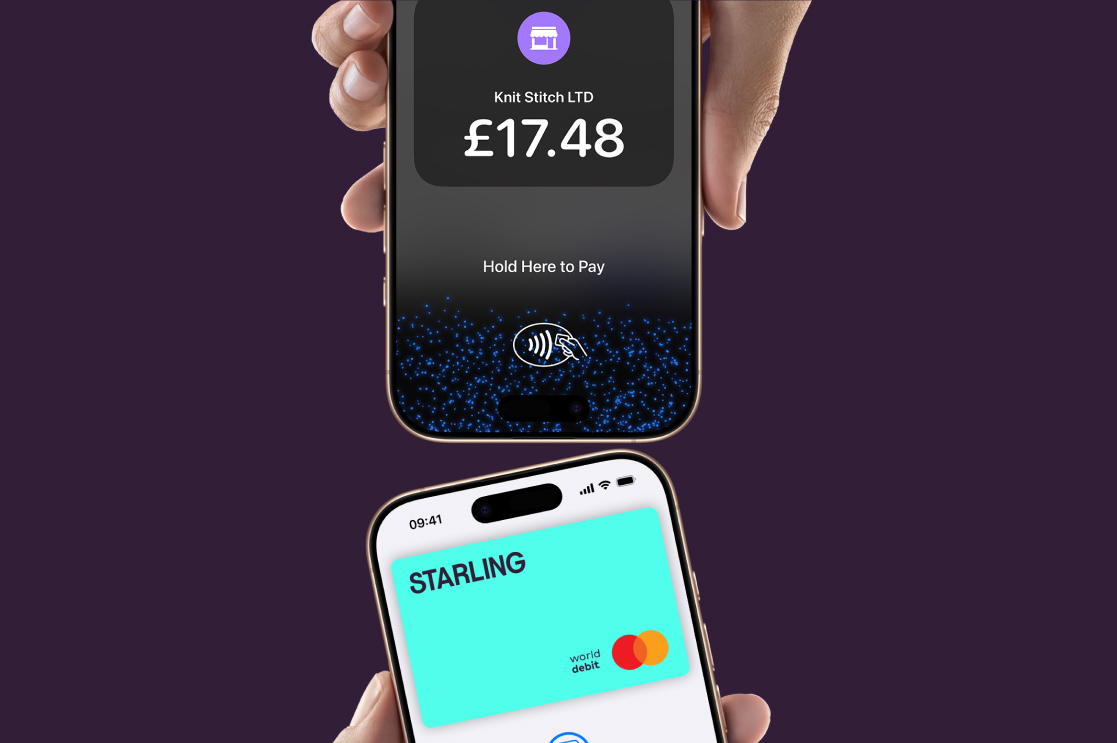
Your phone is open for business:
No monthly fee.
No monthly subscription costs. No hardware to rent or purchase. It’s just a 1.6% fee per transaction.Get paid quickly.
Get paid into your Starling business account the next working day after a Tap to Pay sale is processed.*Accept payments anywhere.
At a market, pop-up, or on the move. Just connect to the internet via WiFi or mobile data.Send receipts instantly.
Manage customer receipts via QR code, text or email.
*Settlement times may vary. Delays may occur due to banking cut-off times or other factors outside our control. Transactions on a Friday, weekend, or bank holiday settle the next business day.
Using Tap to Pay on iPhone.
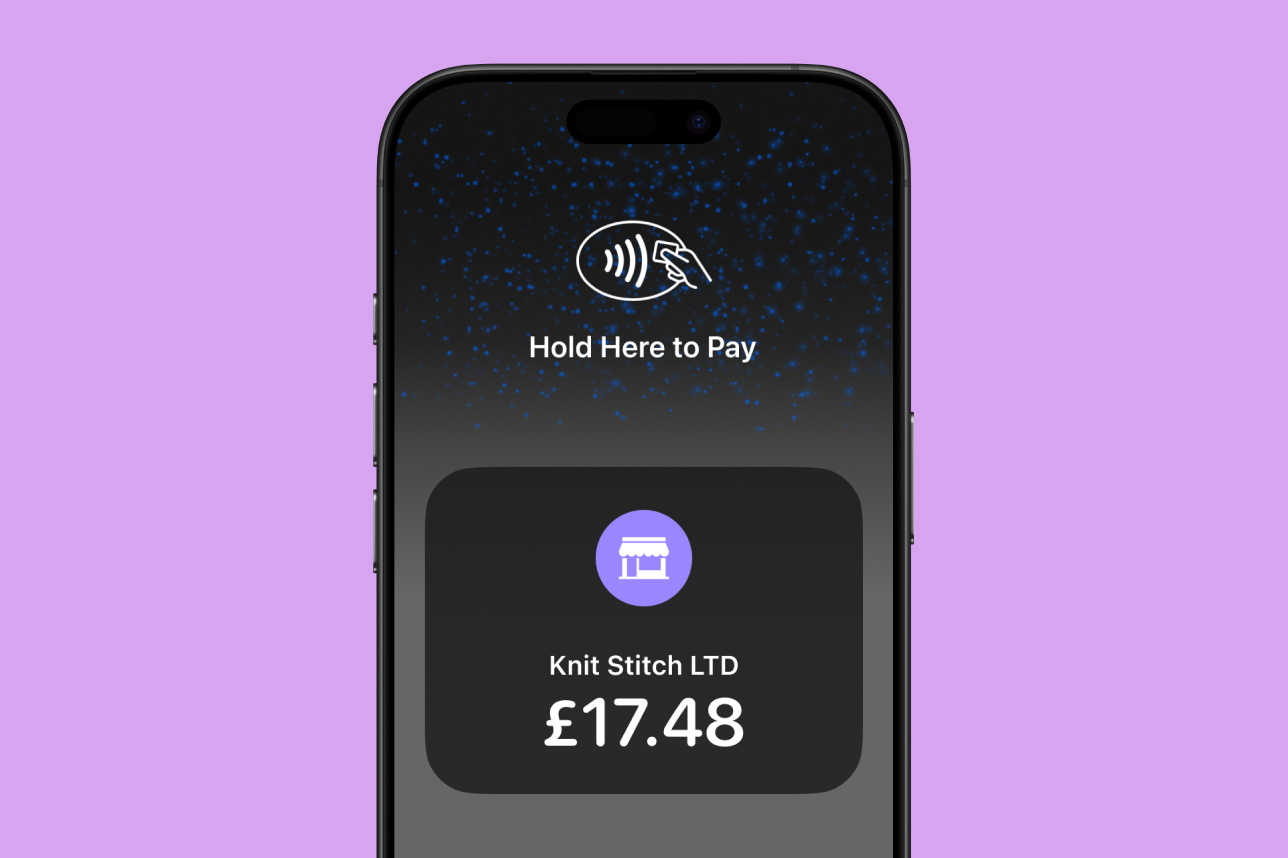
You’ll need a Starling business account before you can set up Tap to Pay on iPhone. Once you’ve set it up:
Open the Starling app on your iPhone, check you’re on your business account, head to the Payments tab and choose Tap to Pay on iPhone.
Enter the transaction amount, hit ‘Charge’, and present your iPhone. The customer then holds their card or device over the contactless symbol at the top of your iPhone.
When the ‘Done’ checkmark appears, the card read is complete and the transaction is being processed.
When a payment is processed, Apple doesn’t store card numbers or PIN information on Apple servers. So merchants and customers can rest assured that their data stays theirs.*
*Encrypted card numbers are temporarily stored on iPhone only for transactions made in Store and Forward mode.