Invoicing.
Invoicing.
What does the Invoicing feature do?
Create and send professional invoices in just a few clicks – completely free with your Starling business or sole trader account.
Track payments easily and see exactly when you’ve been paid, without juggling spreadsheets or chasing updates.
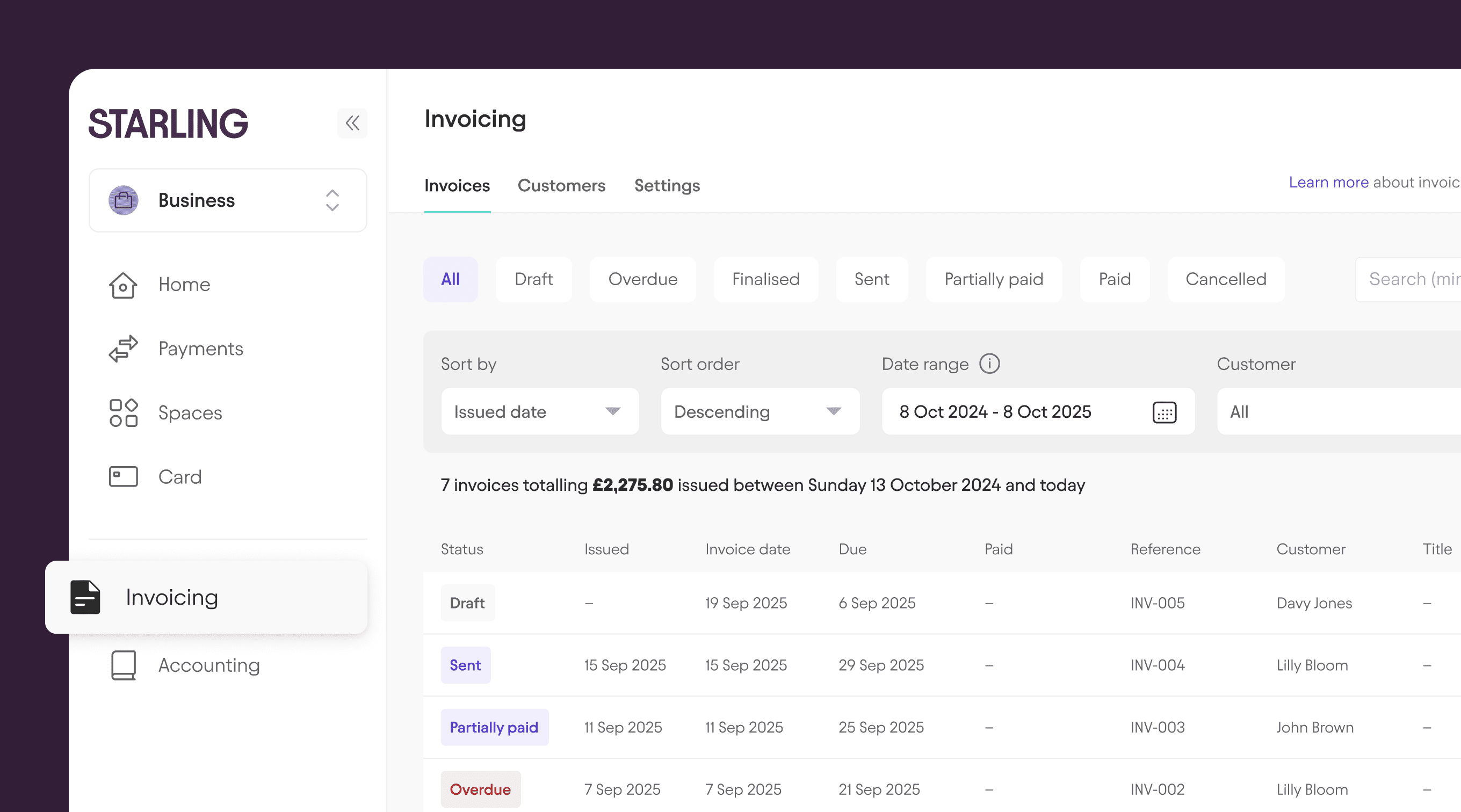
Benefits of Invoicing.
When you run your own business, chasing invoices can feel like a full-time job in itself. But with the free Invoicing feature, things become a little easier:
Create custom invoices.
Create invoices in the Starling app or online bank – add your business logo and custom contact details.
Connect your email.
Send professional invoices to customers by email from your Starling business account. Or, share invoice PDFs using your phone’s share options.
How it works.
Once you’ve set up invoicing in online banking, you can start creating your first invoice right away. Keep it as a draft while you’re working on it – you can edit it as much as you like. When it’s ready to go, simply send it by email by connecting the feature with Gmail or Office 365.
Prefer to send it from your phone? Just open the Starling app, head to the Payments section and select Invoicing. Then tap Share to send it instantly.
You can follow the status of the invoice and keep track of when it’s been paid.
Where to find it.
Online banking
Log in to online banking on your desktop and you’ll find Invoices in the left hand menu.
Mobile app
You can also access the invoicing tool anytime from the Payments section of the mobile app. You’ll see your invoices grouped by status, as well as your total paid and unpaid invoice amounts for the last two years.
The rundown.
Create custom invoices
Add your business logo to invoices
Flexible invoice numbering
Customise your business contact details
Send invoices directly from your bank account
International customer contact list for easy invoicing
Invoice internationally and get paid from overseas with IBAN and BIC numbers
Duplicate invoices at the click of a button
Add VAT to invoices
Edit finalised invoices
Preview draft invoices
Track invoice statuses
Want to know more?
Head over to our Invoicing FAQs.
Join the millions of people getting good with money.
Award-winning accounts. No monthly fees. Industry-leading security features.
Apply now