Payment links let friends and family send money directly to your child’s Under 16s Space
Payment links let friends and family send money directly to your child’s Under 16s Space
What’s a payment link?
A payment link is part of Under 16s: our award-winning debit card and app for 6–15 year olds, managed from your own adult Starling account.
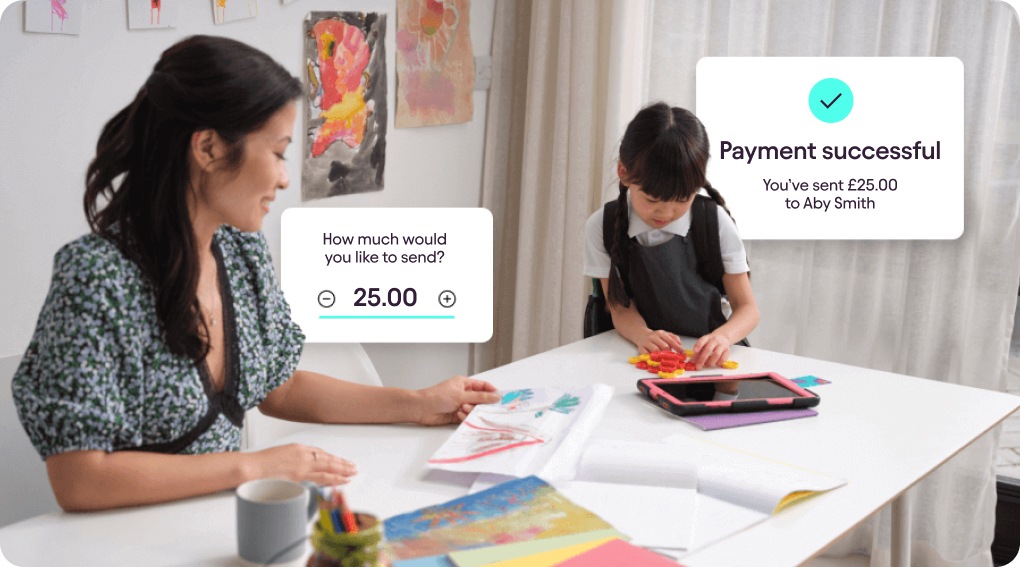
It’s a unique link, connected to your child’s Under 16s Space. When it’s switched on, it allows anyone with the link to send money straight to the Space.
Simply share the link with whoever is planning to send money. They’ll be able to send money using their card details, Apple Pay or Google Pay. It’s perfect for birthdays, holidays, or a little helping hand from the grandparents now and then.
Why use a payment link?
Fast
It only takes a few taps to send the link, and a few taps more to send the money. No more cheques or waiting for cash in the post!Secure
It’s safer and more convenient than cash. Plus, you can switch the link on or off in your app, which means you’re in control of when people can send money.Clear
You’ll receive an instant phone notification when money is added to the Under 16s Space. Plus, your child can track their balance in their version of the app.
How to share a payment link with friends and family:
Open your app, and head to the Under 16s Space.
Tap on Payment link, and make sure the link is switched to Active.
Tap Share link, then choose who to send it to.
How friends and family send money with a payment link:
Tap on the link and choose how much to send.
Enter card details or pay with Apple Pay or Google Pay.
Hit send!
What is Under 16s?
Help your child learn good money habits with our award-winning debit card and app for 6–15 year olds. Learn more about Under 16s.

Looking for help?
Visit our help centre for a full range of frequently asked questions about payment links. It’s often the quickest way to get the answers you need – from within the app or online.
Visit our help centre