Under 16s: the free debit card for kids
Under 16s: the free debit card for kids
Manage your kid’s pocket money from your Starling account with our award-winning free debit card and app for 6–15 year olds.
How to apply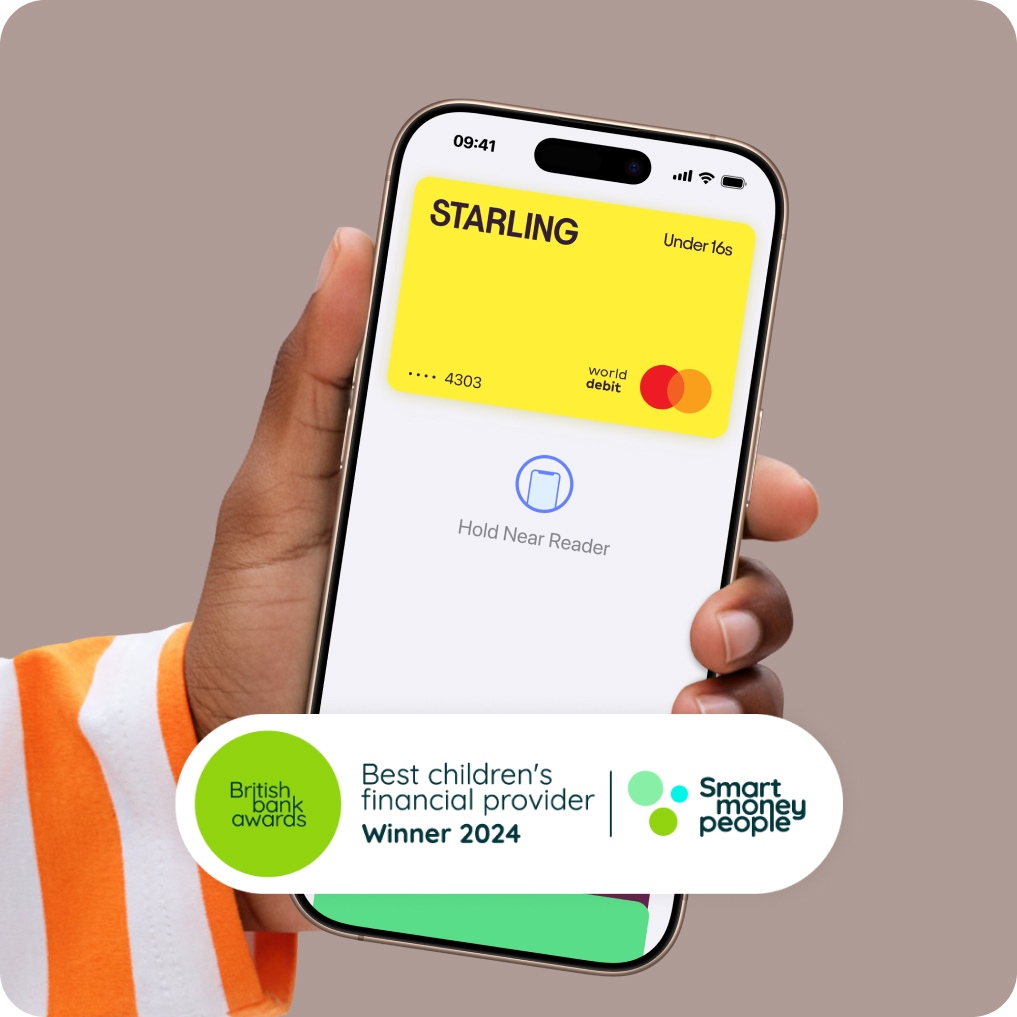
Keep it simple with Under 16s
Easy set up
From your Starling personal or joint accountInstant phone notifications
Every time your child spends or receives moneyAutomatic top-ups
For weekly or monthly pocket moneyA free Mastercard debit card
Made from 95% recycled plastic!Their card, on their phone
Add your child’s card to Apple Pay or Google Pay if they’re 13+
Why choose Under 16s?

It’s free!
There’s no charge to open an Under 16s Space. You can find out about any fees related to Under 16s in the ‘Rates, Fees and Charges’ section of the personal or joint current account terms, depending on the account type the Space is linked to.
A kids version of the app
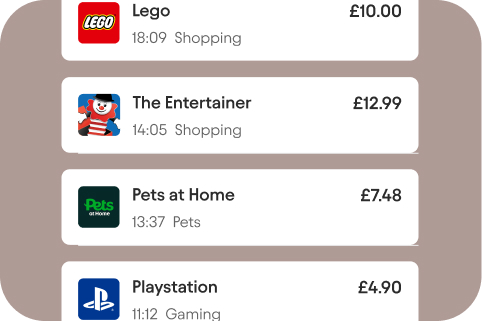
Less pestering, more power - kids can check their balance and track their spending from their own device, not just by looking at your app.
Stress-free birthday money
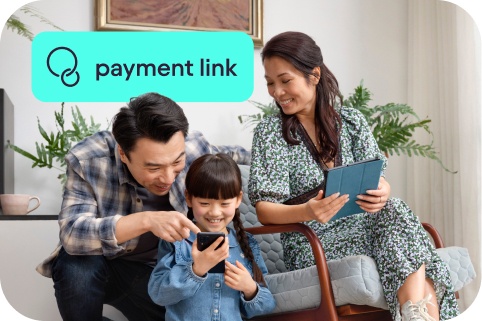
Allow family and friends to put money on your kid’s Under 16s card with a unique and secure payment link. No account details, no cheques, no nonsense.
Smart money tools
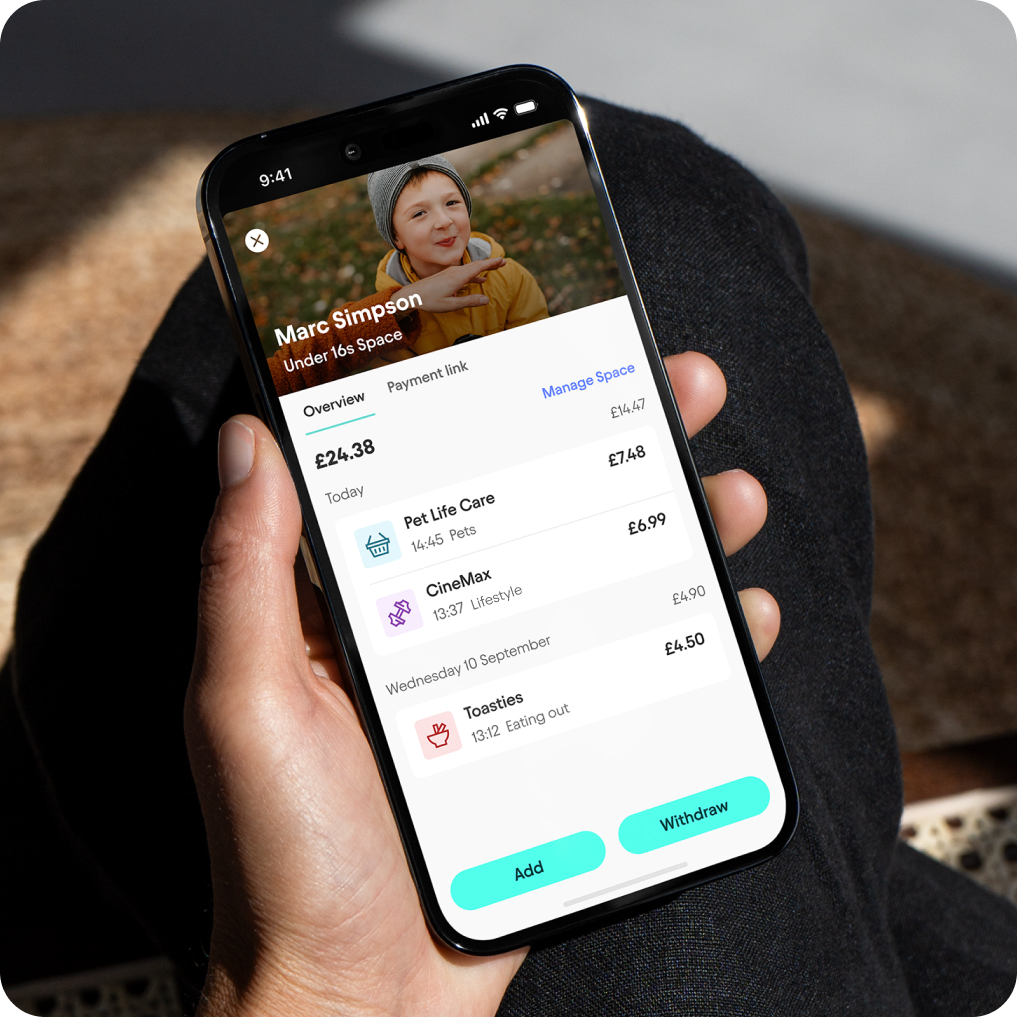
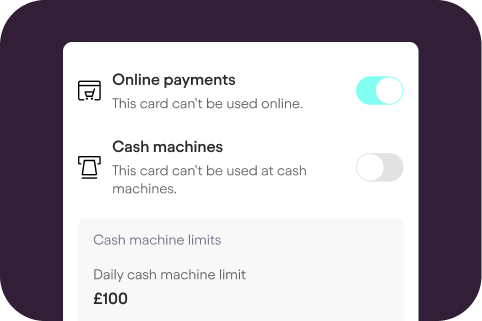
See how your kid spends their money. Set controls, access their balance and spending history - and start money conversations with them.
Grown-ups set the boundaries
Choose a daily spending limit to control your child’s spending
Get an instant phone notification when they spend money
Lock the card instantly if it’s lost or stolen
Top up the card with a tap, 24/7
Track their spending history directly from your app
Manage Under 16s as a team (when you set up Under 16s from a Starling joint account)
Set controls for the card and block online payments or ATM withdrawals
You’re still the primary account holder, so the money you add to an Under 16s card is covered by your account’s FSCS protection up to £120,000
How to set up Under 16s
New to Starling? To get Under 16s, you’ll need our award-winning current account first. This is because your child’s card is linked to a Space within your current account. Under 16s is not a separate children’s bank account.
Benefit from 24/7 support, world-class security, no fees from us from spending abroad, and a whole range of easy-to-use money management tools - all part of your fully regulated UK bank account, on an easy-to-use app. Recommended five years in a row by Which?.
And, if your child’s 13 or older, you can add their Under 16s card to their mobile wallet.
Tell me about the current accountReady to get Under 16s?
Do you bank with us already?
Step 1
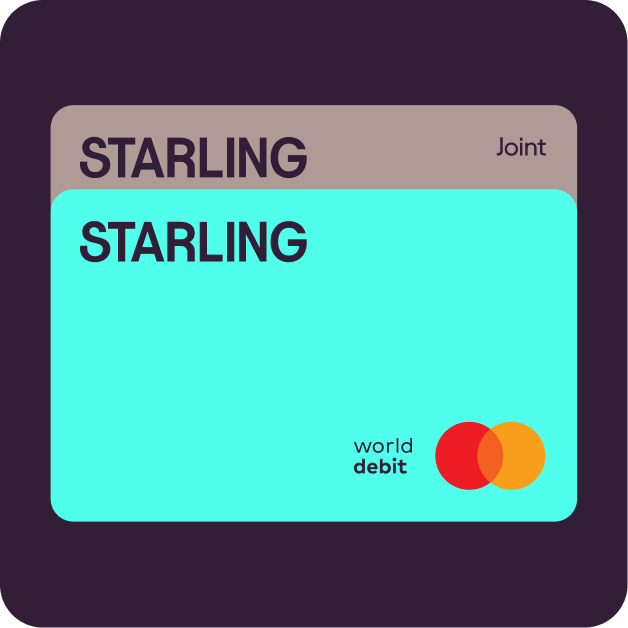
Before you apply for Under 16s, you’ll need a personal account with Starling - apply by downloading the app. Once approved, you can apply for a joint account or go straight ahead and set up Under 16s.
Step 2
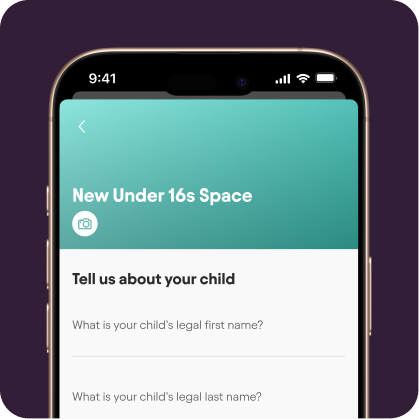
From your personal or joint account, go to ‘Spaces’, scroll down to ‘Do more with Spaces’ and tap ‘Under 16s Space’. We’ll then ask for some details and a photo of your child’s ID (UK birth or adoption certificate, residence permit or valid passport).
Step 3
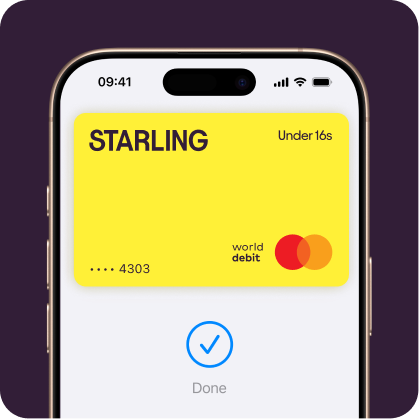
That’s it! Once we’ve approved your application, your Under 16s card will be on its way to you. Delivery usually takes 3–5 working days. You can add money to your Under 16s Space right away.
Subject to eligibility: the option to apply for an Under 16s Space in the app is only available to customers 18+ and who meet our criteria.
Frequently asked questions
How do I set up the kids’ version of the app?
Once your Under 16s application has been accepted, you can set up the kid’s version of the Starling app, if they have their own device and it’s something you want to do - it’s optional.
The process uses nearby pairing, so make sure you are near each other when completing setup. To set up access to the Starling app, head to the Under 16s Space in your app, tap ‘Manage Space’, then the button to set up an app for your child and follow the on-screen instructions.
How do I add an Under 16s card to a mobile wallet?
If your child is 13+, you can add their Under 16s card to their mobile wallet.
Adult goes to Under 16s Card controls in their app and enables mobile wallet access.
Child goes to Cards in their app and adds their card.
Adult receives confirmation.
For more on adding cards to mobile wallets, head to our Apple Pay and Google Pay pages.
How do I add money to my child’s Under 16s card?
Adding money to an Under 16s card is simple, just go to the Under 16s Space in your app, tap Add and enter the amount. The money will be instantly available to spend on your kid’s bank card.
You can also choose to set up a regular transfer to the Under 16s card, for example as weekly or monthly pocket money.
Where can my child use their Under 16s card?
Your child can use their Under 16s card for ATMs and anywhere they see the Mastercard logo: online, on the high street, on a bus, both at home and abroad, with no fees from us.
To keep children safe, we’ve added a block for several merchant categories, including pubs, internet gambling sites, betting establishments, pawn shops and video game arcades. While we expect that most of these types of transactions will be blocked, it’s possible that an individual merchant might have set themselves up in a way that means transactions won’t be blocked. You can keep an eye on your child’s spending through instant notifications and by looking at their spending history, visible in your Under 16s Space.
Can an Under 16s card be used to make contactless payments?
Yes, an Under 16s card can be used to make contactless payments up to £100, after the first Chip and PIN payment has been made. The contactless limit can be lowered by the adult that ordered the card. You can do this by going to your Under 16s Space.
What happens when my child turns 16?
Once your child turns 16, they can then apply for a Starling Teen account - find out more here. The Under 16s Space will remain open until the adult in charge of it cancels it. When cancelled, any money left in the Space will be moved back to the adult’s main balance.

Looking for more help?
Visit our help centre for a full range of frequently asked questions on Under 16s. It’s often the quickest way to get the answers you need - from within the app or online.
Important information
Starling Under 16s Terms and Conditions
Google Wallet is a trademark of Google LLC.